Connect with us

Weather where you are

Choose your location or share it once. We round your coordinates to about 1 km before sending them to our site and MET Norway for your forecast. Your choice stays in this browser tab.

Stay close to Boston

Get new Boston stories and Boston Made company updates, delivered as browser notifications.

Choose Enable notifications, then allow notifications in your browser.

Your browser subscription is stored by Boston Made and delivered through your browser’s push service. You can turn notifications off in your browser’s site settings. Privacy policy

Service

WordPress 7.0 Put AI in Your Dashboard. What Small Businesses Should Actually Turn On.

Nathan Strickland

Published

on

tech servers

WordPress 7.0, codenamed “Armstrong,” shipped on May 20, 2026. It is the first release to build AI directly into the core software, and the first full admin redesign since 2013. Five months on, here is a practical read for business owners.

What changed

  • AI connectors (opt-in). A new Settings → Connectors screen links your site to AI providers, with Anthropic, Google and OpenAI as defaults. Nothing turns on unless you enable it.
  • A new admin. A modern color scheme, a command palette for jumping anywhere in the dashboard, and a Fonts screen under Appearance.
  • Visual Revisions. Compare saved versions of a page side by side before you restore one.
  • Better Notes. Email notifications for mentions and a suggestions mode, useful when an agency and a client edit together.
  • New blocks. Breadcrumbs, Icon and a gallery lightbox, plus showing or hiding blocks by device.

What got cut

Real-time co-editing, the most hyped feature, was pulled 12 days before launch over stability concerns. Tabs, slider and table-of-contents blocks also missed the release.

Our recommendations

  1. Turn on: Visual Revisions and breadcrumbs. Breadcrumbs help visitors and search engines understand your site.
  2. Try carefully: AI drafting for product descriptions or image alt text. Always have a person review it, since copy that sounds like everyone else won’t help you stand out in search.
  3. Leave off for now: giving AI tools broad permission to publish or change settings without review.
  4. Check first: 7.0 needs a newer server, and PHP 8.2 loses security support on Dec. 31, so plan that upgrade alongside it.

Not sure what your site runs on? Fenway Web will check your server version, plugins and backups for free and tell you exactly what needs to change. Request a site check →

Sources: DreamHost · WordPress Make Core. Written by the Ecosystem Intelligence Desk.

The post WordPress 7.0 Put AI in Your Dashboard. What Small Businesses Should Actually Turn On. appeared first on Fenway Web.

Founder & Chairman of Boston Made, Inc., a Boston-based media and business portfolio company. I lead Boston Made's independent, hyperlocal coverage of Boston's economy, businesses, and neighborhoods, alongside a growing portfolio of Boston-rooted brands — including Boston Made Pets, where my passion for dog wearables and canine wellness lives on. I’m an avid reader and journaler who believes in reporting that's closer to home.

Continue Reading

Service

PHP 8.2 Loses Security Support on December 31. Here’s the 10-Week Plan for Your Website.

Ecosystem Intelligence Desk

Published

on

tech servers

Most small-business websites are built on WordPress, and WordPress runs on PHP. On December 31, 2026, PHP 8.2 reaches end of life: no more security fixes, ever. Any site still on it after that date is running software that will not be patched when the next vulnerability is found.

Where each version stands

  • 8.1 and older: support already ended Dec. 31, 2025. Upgrade now.
  • 8.2: support ends Dec. 31, 2026. Upgrade before year-end.
  • 8.3: supported through Dec. 31, 2027. A safe target.
  • 8.4: supported through Dec. 31, 2028. The best target if your plugins support it.

The 10-week plan

  1. This week: find out what you run. In WordPress, go to Tools → Site Health → Info → Server. Your host’s control panel shows it too.
  2. Weeks 2–3: back up everything. Files and database, stored off the server. Test that the backup actually restores.
  3. Weeks 3–4: update plugins and theme. Abandoned plugins, with no update in a year or more, are the most common reason an upgrade breaks a site. Replace them now.
  4. Weeks 5–6: test on staging. Most hosts let you clone a site. Switch the copy to 8.3 or 8.4 and click through forms, checkout and logins.
  5. Weeks 7–8: switch production. Pick a quiet day, change the version in your hosting panel, and watch for errors for 48 hours.
  6. Weeks 9–10: clean up. Remove unused plugins and themes, and turn on automatic minor updates.

Why it matters beyond security

Newer versions are also faster, which helps page speed and search rankings. And WordPress 7.0, released in May, raised its minimum requirement to 7.4. Very old setups are already being left behind on new features.

Advertisement

Not sure what your site runs on? Fenway Web will check your server version, plugins and backups for free and tell you exactly what needs to change. Request a site check →

Sources: HeroDevs support timeline · DreamHost on WordPress 7.0. Written by the Ecosystem Intelligence Desk.

The post PHP 8.2 Loses Security Support on December 31. Here’s the 10-Week Plan for Your Website. appeared first on Fenway Web.

Lumo Kingswell Lumo Precious-metals education and a two-sided gold exchange with a live gold price. Visit site →

Advertisement

Continue Reading

Service

Five Signals Your Website Needs an Operating System, Not Another Redesign

Ecosystem Intelligence Desk

Published

on

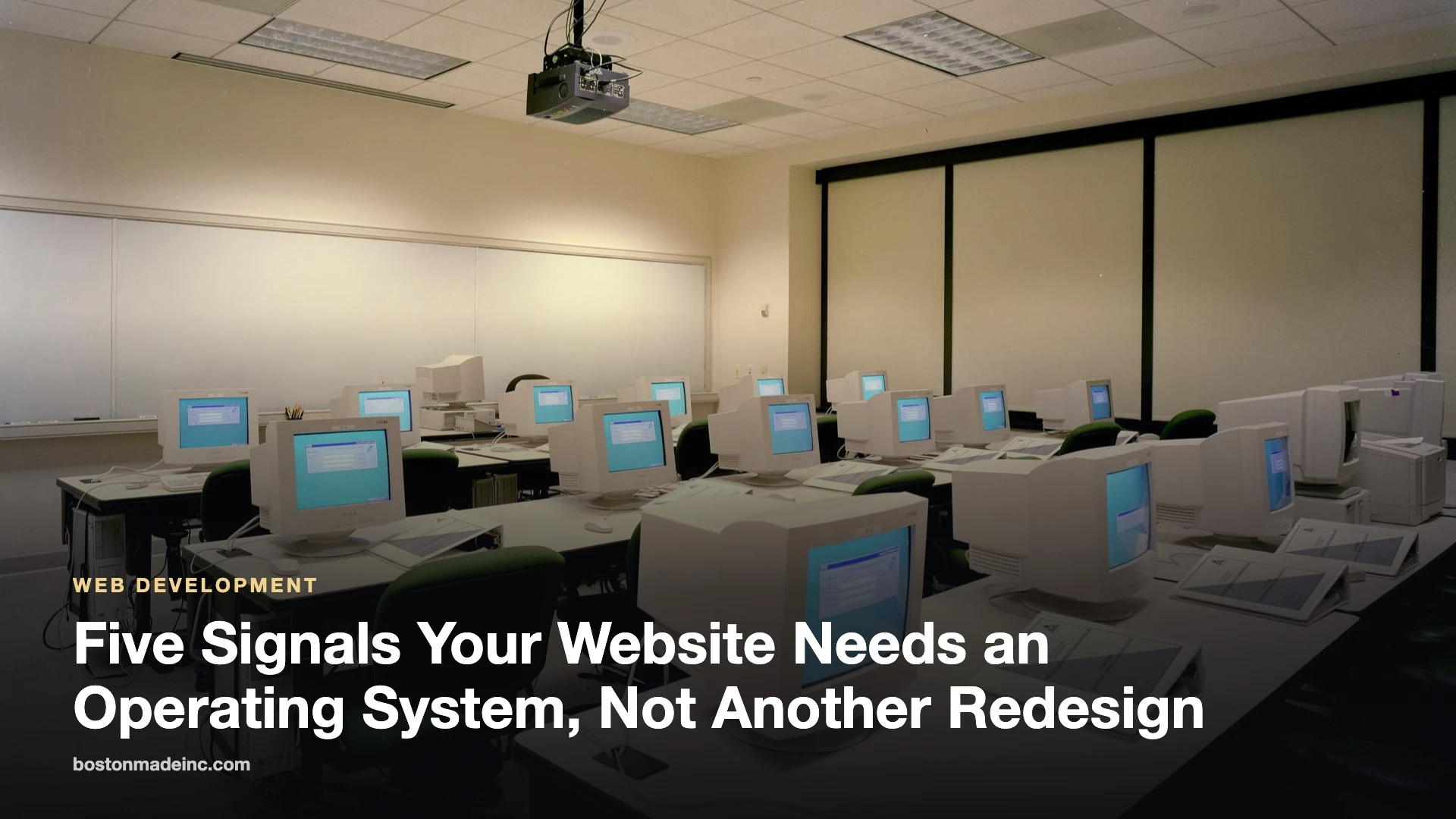
Rows of desktop computers in a bright training room

Fenway Web field note — October 21, 2026. A polished homepage is helpful, but a modern business website has to do more than look good. It needs to guide people, keep information organized and make routine work easier for the team behind it.

1. Visitors cannot tell what to do next

If every page presents the same weight, the same buttons and the same wall of text, visitors have to do the work of figuring out the business. A useful website gives each page one clear job and makes the next step obvious.

Advertisement

2. Updates depend on one person

When changing a headline, publishing a story or updating a service requires a specialist every time, the site becomes a bottleneck. Good systems make repeatable updates safe, documented and easy for the right people to own.

3. The site has content but no rhythm

A website should not feel frozen between redesigns. A practical editorial rhythm—briefings, case studies, guides, announcements and customer stories—keeps the site useful while creating natural paths back to the services that matter.

4. Ads and promotions interrupt the experience

Advertising works best when it has a designated place and a clear relationship to the page. House promotions, partner placements and paid campaigns should support the visitor journey rather than compete with the primary message.

5. Mobile feels like an afterthought

Mobile is not a smaller desktop layout. It is a different reading environment. Navigation, spacing, forms, media and calls to action need to be checked in the context where most people actually encounter them.

The goal is not endless complexity. It is a dependable system: clear content, purposeful templates, measured promotion and a publishing workflow the team can keep running after launch.

Fenway Web is the web design and development studio of Boston Made, Inc. This is original editorial guidance, not a substitute for a project-specific audit.

The post Five Signals Your Website Needs an Operating System, Not Another Redesign appeared first on Fenway Web.

Fenway Web Boston Made family Fenway Web Web design, development and SEO studio — custom websites for small businesses, churches and local brands. Visit site →

Advertisement

Continue Reading

Education

Fenway Web Opens a Free Learning Center to Teach Small Businesses to Build Their Own Websites
Ecosystem Intelligence Desk

Published

on

The domed Main Reading Room of the Library of Congress

BOSTON — October 9, 2026 — Fenway Web today announced that info.fenwayweb.com is now its free learning center, teaching small-business owners how to build, launch and grow their own website step by step — with every lesson pointing back to FenwayWeb.com, where they can start building.

Advertisement

Fenway Web is repositioning around a simple idea: most small businesses can launch a professional website themselves if someone shows them how. The learning center does exactly that, in plain language, with no jargon and no upsell in the middle of a lesson.

Start with Build Week

The first course, Build Week, takes a business from no website to launch in five short lessons:

  1. Build Week, Day 1: How to Pick a Domain Name You Won’t Regret
  2. Build Week, Day 2: How to Write a Homepage That Sells in Five Seconds
  3. Build Week, Day 3: Local SEO 101 — Getting Found Near You
  4. Build Week, Day 4: How to Add a Contact and Booking Form People Actually Finish
  5. Build Week, Day 5: The 15-Point Launch Checklist

Each lesson can be finished in an evening, and each ends with a concrete task — pick the domain, write the homepage, set up local search, add the contact form, run the launch checklist.

What’s in the learning center

  • Guides on web design, SEO, content writing and marketing strategy.
  • AI for small business — practical ways to use AI tools to write, design and answer customers faster.
  • News on platform updates and new tutorials.

Do the math before you build

A website is an investment, and it should pay you back. Compare the true first-year cost of building it yourself with hiring it out, and see how quickly the leads your site brings in cover the cost.

Website Payback Calculator

Will a new website pay for itself — and how fast? Compare building it yourself with hiring it out, then see how many leads it takes to break even.

Planning estimate. Enter your own builder plan price and lead value.

The five-minute website health check

  • Can a visitor tell what you do and where you are within five seconds?
  • Is your phone number tappable on a phone?
  • Does every page have one clear next step?
  • Is your business listed with the same name, address and phone everywhere online?
  • Does your contact form actually reach your inbox? Test it today.

About Fenway Web

Fenway Web helps small businesses build their own websites with a self-serve builder at FenwayWeb.com and free tutorials at info.fenwayweb.com.

The post Fenway Web Opens a Free Learning Center to Teach Small Businesses to Build Their Own Websites appeared first on Fenway Web.

Boston Made Pets Boston Made family Boston Made Pets Pet apparel and gear inspired by Boston the GoldenDoodle. Visit site →

Advertisement

Continue Reading
Advertisement

Advertisement

Ad

Advertisement

Trending

--:--·---·--°