Connect with us

Weather where you are

Choose your location or share it once. We round your coordinates to about 1 km before sending them to our site and MET Norway for your forecast. Your choice stays in this browser tab.

Stay close to Boston

Get new Boston stories and Boston Made company updates, delivered as browser notifications.

Choose Enable notifications, then allow notifications in your browser.

Your browser subscription is stored by Boston Made and delivered through your browser’s push service. You can turn notifications off in your browser’s site settings. Privacy policy

Corporate News

How to Film a Walkthrough Tour Video on a Small Budget

A walkthrough tour video lets people see a space before they visit. Here is how small teams can plan the route, stabilize the camera, light the rooms and edit a tour that feels smooth.

Ecosystem Intelligence Desk

Published

on

Watch: A Tour of the Boston Made Portfolio

Boston Made, the media and marketing brand of Boston Made, Inc. at bostonmade.com, covers the practical side of content creation for small brands. Tour videos are one of the most useful formats a business can make. A short walkthrough of a shop, studio, office or venue answers questions that photos cannot, and it can be filmed with modest equipment. This guide explains how to plan and shoot one that looks smooth and professional.

Decide What the Tour Is For

A tour video should answer a specific question for a specific viewer. A first-time customer may want to know where to park and what the entrance looks like. A prospective employee may want to see the workspace. An event planner may want to see the room layout and capacity. The purpose determines the route, the length and what deserves screen time.

Advertisement

Advertisement

Write down the three things a viewer should know after watching. If a room or detail does not serve one of those goals, it can be shortened or left out.

Plan the Route Like a Visitor

The most natural tours follow the path a real visitor would take. Start outside or at the entrance, move through the main spaces in a logical order and end at a clear stopping point, such as a reception desk, a featured product or an exit view. Walk the route several times without a camera and note:

  • Doors that need to be propped open before filming.
  • Tight corners where the camera operator may bump into furniture.
  • Spots with mirrors or glass that will reflect the crew.
  • Places where lighting changes sharply, such as moving from a sunny lobby into a dim hallway.

Choose a Format: Continuous Shot or Edited Sequence

There are two common approaches. A continuous walkthrough follows a single unbroken path, which gives an honest sense of scale and flow but is unforgiving of mistakes. An edited sequence combines several shorter clips, often with a mix of moving and still shots, which allows more control and makes it easier to hide awkward transitions.

Many small teams find a hybrid works best: short moving shots through each room, joined by simple cuts, with a few lingering static shots of key details.

Keeping the Camera Steady

Shaky footage is the most common flaw in tour videos. Several options exist at different price points:

Advertisement
  1. Phone stabilization. Most modern phones include stabilization modes that smooth out walking footage. Test them before the shoot.
  2. Handheld gimbal. A motorized gimbal holds the camera level while the operator walks. It is one of the most effective upgrades for tour work.
  3. Technique. Bend the knees slightly, walk heel to toe and hold the camera close to the body with both hands. Move slowly; slower motion almost always looks better.
  4. Static shots. A tripod or a camera resting on a stable surface provides calm establishing shots between moving segments.

A wide lens helps show more of a room, but very wide lenses can distort walls and make spaces feel larger than they are. Accuracy matters when viewers are deciding whether to visit.

Lighting Interior Spaces

Tours usually rely on available light, so preparation counts. Turn on every overhead light and lamp, open blinds where daylight helps and replace any burned-out bulbs. Mixed light sources, such as warm bulbs alongside cool daylight, can create uneven color. Where possible, keep light sources consistent within each room, or shoot at a time of day when daylight is soft and even.

Avoid pointing the camera directly at bright windows for long stretches. Phone cameras will expose for the window and leave the room dark. Angling the camera so windows are to the side generally gives a more balanced image.

Preparing the Space

A camera notices clutter that people overlook. Before filming, tidy surfaces, hide cords, remove personal items and check for anything that should not appear on screen, such as customer information on a monitor or private notices on a bulletin board. If people will appear in the video, let them know in advance and give them the chance to step out of frame.

Narration, Text or Music

Tours can be explained in several ways:

Advertisement

  • On-camera host walking through the space, which feels personal but requires a confident presenter.
  • Voiceover recorded separately and laid over the footage, which allows clean audio and easy revisions.
  • On-screen text labels, such as “Main showroom” or “Accessible entrance,” which work well for viewers watching without sound.
  • Music only, which suits short atmospheric tours but conveys less information.

Whatever the approach, add captions. Many people watch video on mute, and captions also improve accessibility.

Editing for Flow

In the edit, aim for a steady rhythm. Trim the beginning and end of each clip so movement starts immediately, and cut on motion when possible, such as as the camera passes through a doorway. Keep the overall length tight. A simple tour for a small business is often most effective in the range of one to three minutes, though the right length depends on the space and the audience.

Finish with a clear closing frame that includes the business name and the most useful next step for the viewer, such as hours or how to get in touch.

Accessibility and Honesty

A tour video is a promise about what visitors will find. Show entrances, steps, ramps and restrooms accurately, because people with mobility needs often rely on these videos to plan a visit. Avoid filters or lens choices that make spaces look dramatically bigger or brighter than they are. A tour that matches reality builds trust.

A Quick Pre-Shoot Checklist

  • Route walked and timed.
  • Lights on, clutter cleared, screens checked.
  • Stabilization tested.
  • Batteries charged and storage cleared.
  • People in the space informed.
  • Closing frame planned.

With a clear purpose and a steady hand, a walkthrough tour can become one of the most practical videos a small business owns.

Quick check: Why should a camera operator avoid aiming directly at bright windows during an interior tour?

  1. It drains the battery faster
  2. The camera exposes for the window and leaves the room looking dark
  3. Windows cause the audio to echo
Show answer

B. Cameras balance exposure for the brightest area, so a bright window can make the rest of the room appear underexposed.

Boston Made UK Boston Made family Boston Made UK Boston Made across the Atlantic. Visit site →

Advertisement

Latest stories

View all

The institutional news desk of the Boston Made network. Reporting is researched from wire services including The Associated Press and local sources, and written by the desk.

Continue Reading

Corporate News

Fenway Web Relaunches FenwayWeb.com With Published Pricing and Care Plans

Ecosystem Intelligence Desk

Published

on

The south side of Kenmore Square, near Fenway, around 1915

FOR IMMEDIATE RELEASE

WORCESTER, Mass., Oct. 24, 2026 — Fenway Web, the web design and development studio of Boston Made, Inc., today announced the relaunch of fenwayweb.com. The new site publishes the studio’s pricing in full for the first time and introduces monthly care plans so clients have a team behind their website long after launch.

Advertisement

Advertisement

Three ways to start

Fenway Web now lists three build options. Starter ($1,500) covers up to five pages, mobile-first design, a contact form and local SEO setup. Business ($3,500) covers up to fifteen pages, copywriting, booking or lead forms, and analytics with training. Custom builds start at $7,500, with scope and price agreed in a written proposal before any work begins.

Care after launch

Optional care plans start at $49 a month and cover software updates, backups, security monitoring and post-launch edits, with a client portal for requests.

Who it builds for

The studio builds for small businesses, churches and local brands. Its portfolio spans New England, North Georgia and South Carolina’s Grand Strand, including sites for AX Home Pro, Sherry’s Homes, Victory Construction, The Soft Play Social, Coastal Community Church, Daniel Strickland Music and Howard Strickland.

Boston Made+ Business members save 10% on Fenway Web builds and care plans. Portfolio, pricing and the “Start a project” form are at fenwayweb.com.

About Fenway Web. Fenway Web is the web design, development and SEO studio of Boston Made, Inc. It designs, builds and looks after websites for small businesses, churches and local brands. fenwayweb.com

Advertisement

About Boston Made, Inc. Boston Made, Inc. is a Delaware corporation headquartered in Worcester, Massachusetts, behind The Boston Made family of companies, a family of brands spanning media, software, pets, parking, precious metals and web services. bostonmade.com/brands

Media contact: sales@bostonmade.com · Boston Made, Inc., 8 Grafton Street, Suite 210, Worcester, MA 01608

The post Fenway Web Relaunches FenwayWeb.com With Published Pricing and Care Plans appeared first on Fenway Web.

Advertisement

Background

Web design studios have traditionally handled pricing in different ways. Some publish packages with fixed prices, while others quote every project individually after a discovery call. Both approaches have trade-offs. Published prices help buyers understand the range before they reach out. Custom quotes allow a studio to account for unusual requirements, integrations or content needs that a package cannot anticipate.

Ongoing website maintenance, often called a care plan, maintenance plan or support retainer, has also become common across the industry. Websites are not finished products in the way a printed brochure is. The software they run on receives regular updates, security threats evolve, and businesses keep changing their hours, services and staff. A site that is never maintained can slowly become slower, less secure and less accurate.

What it means for small businesses

For a small business, church or local organization considering a new website, the real decision is usually not just the build price. It is the total cost and effort of owning a website over several years. A few general questions help compare any web provider fairly:

  • What is included in the build? Ask how many pages, whether copywriting is included, how many rounds of revisions are allowed and what happens if the scope grows.
  • Who owns the site? Confirm who owns the domain name, the content, the design files and the hosting account, and how you would move the site if you ever needed to.
  • What does maintenance cover? Updates, backups and security monitoring are common, but the details vary. Ask how often backups run, where they are stored and how quickly problems are addressed.
  • How are changes requested? A clear request process, such as a ticket system or portal, makes it easier to track what was asked and when.
  • What is the exit path? Understand what happens if you cancel a maintenance plan, and what you receive when you do.

Getting these answers in writing, as part of a proposal or agreement, helps prevent misunderstandings later.

Planning before you request a quote

Any web project goes more smoothly when the business has done a little homework first. Useful preparation includes:

  1. A short list of the main things visitors should be able to do, such as call, book, donate or request a quote.
  2. A rough sitemap listing the pages you think you need.
  3. Logos, brand colors and any existing photos of your work, team or space.
  4. Examples of other websites you like, and notes on why.
  5. Login details for your domain registrar and any current hosting, kept secure and shared only with the people who need them.

Key terms

  • Scope: The agreed list of pages, features and deliverables in a project.
  • Mobile-first design: An approach that designs for phone screens first, then adapts layouts for larger screens.
  • Local SEO: Practices that help a business appear in search results for nearby customers.
  • Care plan: An ongoing service agreement covering updates, backups, monitoring and small edits after launch.
  • Client portal: An online space where clients submit and track requests.

What to watch

  • Does a proposal clearly separate one-time build costs from recurring costs?
  • Are timelines, revision limits and responsibilities for content spelled out?
  • After launch, are updates and backups happening on the schedule described?
  • Is the site still accurate a year later, and who is responsible for keeping it that way?

Quick check: Why do many websites need ongoing care after launch?

  1. Websites stop working automatically after one year
  2. Software updates, security threats and business changes require regular attention
  3. Search engines require monthly redesigns
Show answer

B. The software behind a site receives updates, threats evolve and business details change, so maintenance keeps a site secure and accurate.


BOSSTOX Boston Made family BOSSTOX AI-infrastructure news and research covering power, cooling, chips and capital. Visit site →

Advertisement

Continue Reading

Corporate News

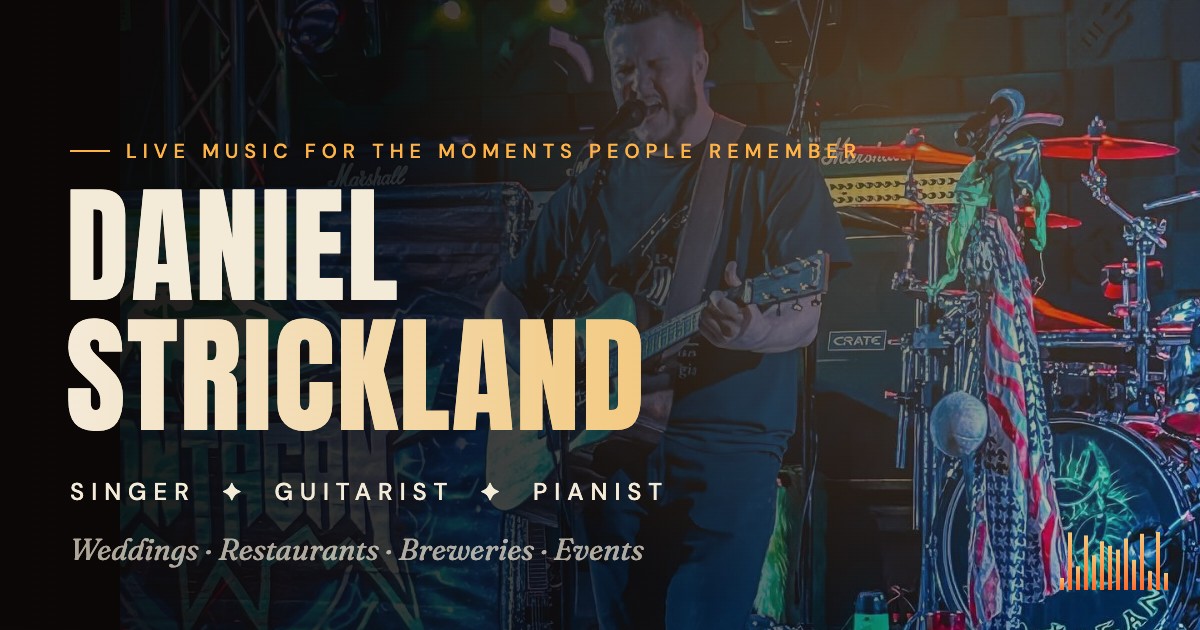
Now Live: DanielStricklandMusic.com Brings Daniel Strickland’s Music, Shows and Bookings Into One Place

Singer, guitarist and pianist Daniel Strickland has a new home online, with original songs, an official music video, a fan wall and live-event booking, built by Fenway Web.

Ecosystem Intelligence Desk

Published

on

Daniel Strickland Music: live singer, guitarist and pianist

BOSTON — DanielStricklandMusic.com is now live. The new home for singer, guitarist and pianist Daniel Strickland brings his original music, his official music video, his live-event booking and a place for fans to connect into one site, designed and built by Fenway Web.

Live music that fits the room

Daniel is a vocalist and multi-instrumentalist who plays acoustic guitar and piano and carries a deep, flexible repertoire. The site is built around what he does best: reading a room. That means warm, understated sets during dinner and bigger, crowd-facing sets when the night calls for it.

Advertisement

Advertisement

He plays restaurants, breweries, weddings, private parties, corporate events, festivals and community events. Every booking includes solo live vocals with acoustic guitar and/or piano, a professional, self-contained sound setup, and set lengths shaped around the event.

Original songs, front and center

Beyond the covers and crowd favorites, Daniel writes and records his own music, and the site gives each song its own spotlight with a 30-second preview and a link to the full track on Apple Music:

  • Together Again (2025)
  • Love San Antone (2024)
  • Rest of Our Lives (2024), with its official music video on the homepage
  • Father I Draw Near, featuring Lauren Johnson (2023)

Built for fans, not just bookings

The launch goes beyond a brochure site. Fans can sign in on any song page to leave a comment on the fan wall, sign up to be notified when new show dates land, and follow Daniel on Facebook for clips and announcements. Public show dates will appear on the site first, with one tap to add a show to your calendar or get directions.

How to book Daniel

Planning a wedding, a private party, a company event or a night out at your restaurant or brewery? Visit danielstricklandmusic.com and choose Book Daniel to check availability. You can also stream his music on Apple Music and follow along on Facebook.

Built by Fenway Web

DanielStricklandMusic.com is the latest launch from Fenway Web, the marketing and web agency that designs and builds every Boston Made site and builds websites for outside clients. If you want a site that feels this alive for your own business, start with Fenway Web.

Advertisement

Background

For working musicians, a website often serves several audiences at once. Event planners want to know whether an artist fits their occasion, what is included and how to check availability. Venue managers want to understand the style and volume of a set. Fans want to hear the music, see upcoming shows and stay connected. A single site that serves all three, without making any of them dig, is a practical tool for a performer who books a wide range of events.

Streaming platforms and social media remain important for discovery, but they are controlled by others. An artist’s own website is one place where the performer decides what appears first, how songs are presented and how people get in touch.

What it means for people booking live music

Whether you are planning a wedding, a private party, a company gathering or a regular music night at a restaurant or brewery, a few general questions help any booking go smoothly:

  • Describe the event clearly. Share the date, location, expected number of guests, indoor or outdoor setting and the kind of atmosphere you want.
  • Confirm the setup. Ask what equipment the performer brings, how much space is needed, whether power outlets must be nearby and how long setup and breakdown take.
  • Talk about volume and timing. Background music during dinner and a louder set later in the evening require different planning. Agree on set lengths and breaks.
  • Discuss song requests. If there are special songs for a first dance, a toast or a tribute, mention them early so the performer can prepare.
  • Get the details in writing. A simple written agreement covering date, times, location, payment terms and cancellation policy protects both sides.
  • Check venue rules. Some venues have noise limits, load-in rules or insurance requirements for outside performers.

What it means for small businesses and venues

For restaurants, breweries and other venues, live music can create a reason for customers to visit on a particular night. A few general practices help:

  • Announce performances in advance on your own website and social channels, with the date and start time in plain text.
  • Coordinate with the performer so both of you share the same event details.
  • Consider how seating, lighting and the location of the performer affect both the audience and the staff.
  • Keep track of which nights draw customers, so future bookings fit your calendar.

Key terms

  • Repertoire: The full list of songs a performer is prepared to play.
  • Self-contained sound: A performer who brings their own speakers, microphones and mixing equipment.
  • Set: A block of continuous performance, usually followed by a break.
  • Original music: Songs written by the performer, as opposed to covers of other artists’ songs.
  • Booking inquiry: A request to check a performer’s availability and terms for a specific event.

What to watch

  • New public show dates as they are posted.
  • Booking availability around popular seasons, such as summer weekends and the winter holidays, when calendars tend to fill.
  • New song releases and how they are presented on the site.
  • Whether the fan features make it easy to stay in touch between shows.

Quick check: What does “self-contained sound” mean when booking a performer?

  1. The performer plays without any amplification
  2. The performer brings their own sound equipment
  3. The venue must rent a sound system
Show answer

B. A self-contained setup means the performer provides their own speakers, microphones and mixing gear.

Kingswell Strategic Ventures Boston Made family Kingswell Strategic Ventures Holding company that owns Boston Made, Inc. and Paxton-Digital, and sets long-term strategy. Visit site →

Advertisement

Continue Reading

Boston Made Stories

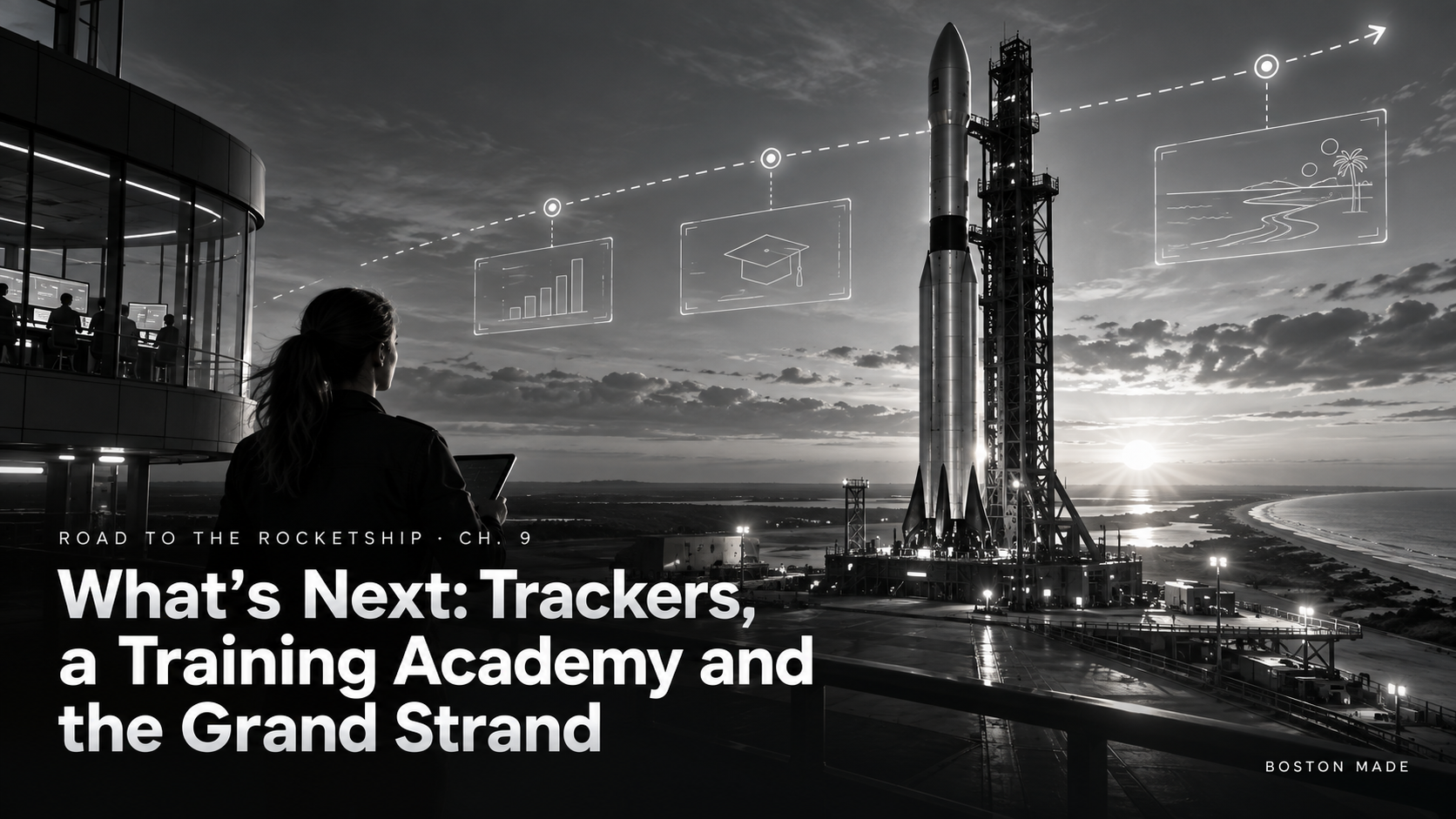
Road to the Rocketship, Ch. 9: What’s Next — Trackers, a Training Academy and the Grand Strand

Coming soon across the ecosystem: Boston Made dog trackers, a training academy (OSHA safety, highway work zones, law enforcement, neighborhood watch), a deeper push into the Grand Strand, and the restructuring desk.

Ecosystem Intelligence Desk

Published

on

Road to the Rocketship, Ch. 9: What’s Next — Trackers, a Training Academy and the Grand Strand

ROAD TO THE ROCKETSHIP · Chapter 9

A roadmap is a promise you can be held to, so here it is in public.

Advertisement

Advertisement

Coming soon

  • Boston Made dog trackers. GPS trackers for dogs from the Boston Made Pets family. The Fenway the Pup storyline shows why: Chapter 2 is about a great escape.
  • The Boston Made Training Academy. Practical courses in OSHA safety, highway and work-zone safety, law-enforcement topics and neighborhood watch.
  • The restructuring desk from Chapter 6, with a free demo first.
  • The Grand Strand. GrandStrand.app, a social network for Grand Strand vacation properties, and Spot Check parking are leading a push into Myrtle Beach, including a look at valet service. Follow it in the Grand Strand Season storyline.

How to follow along

Every chapter of this storyline lands on the Reader’s Storylines page as soon as it’s published. If you want to be part of it rather than just watch, join free. When Boston Made+ referrals switch on, you can earn by bringing people with you.

Season one ends here. Season two begins when the next door opens.


ROAD TO THE ROCKETSHIP is the Boston Made Newsroom’s running story of how Boston Made, Inc. is building its ecosystem, told one chapter at a time. Previous: Ch. 8. Start over at Ch. 1.

📚 Read every chapter on the Boston Made Reader → Storylines · Join free at app.bostonmade.com/membership.

Forward-looking descriptions reflect current plans and may change. Nothing here is an offer to sell or a solicitation to buy securities.

Advertisement

Background

A product roadmap is a company’s outline of what it intends to build or launch next. Roadmaps are common in technology and consumer businesses, where they help teams prioritize work and help customers understand where a company is heading. Some companies keep roadmaps private, while others share them publicly to invite feedback and build interest.

Publicly shared roadmaps describe plans, not guarantees. Timelines can shift, features can change and some ideas are set aside entirely as a company learns more. That is why roadmap announcements often include language noting that forward-looking descriptions reflect current plans and may change, as this chapter does. Readers generally do best to treat a roadmap as a statement of direction and to judge each product when it actually arrives.

Advertisement

General context on the topics in this chapter

The areas named in this chapter each have well-established background that can help readers understand them, independent of any specific product.

Dog GPS trackers

Pet GPS trackers are small devices, typically worn on a collar, that use satellite positioning to estimate a pet’s location. Many send that location to a phone app over a cellular connection, while others rely on short-range radio or Bluetooth. When choosing any tracker, owners commonly consider:

  • Coverage: Whether the device works where the pet actually goes, including rural areas.
  • Battery life: How often the device needs charging, and how that changes with frequent location updates.
  • Fit and durability: Weight, size and water resistance relative to the dog.
  • Ongoing costs: Whether a subscription is needed for cellular service.
  • Alerts: Whether the device can notify an owner when a pet leaves a defined area.

A tracker works best alongside basics such as an ID tag, a microchip with current registration details and a secure yard or leash.

Safety training

OSHA, the Occupational Safety and Health Administration, is the federal agency within the U.S. Department of Labor that sets and enforces workplace safety and health standards. Many employers seek training to help workers understand hazards and requirements. Highway and work-zone safety is a related field focused on protecting road crews, flaggers and drivers where construction or maintenance is underway. Neighborhood watch programs are community efforts in which residents look out for one another and report concerns, usually in coordination with local police. When evaluating any training, it is reasonable to ask who designed the content, whether it meets the requirements of a particular employer or agency and whether a certificate is recognized for the purpose you need.

The Grand Strand

The Grand Strand is the long stretch of beaches along the northeastern coast of South Carolina, including Myrtle Beach and neighboring communities. It is a major vacation destination, and vacation rentals and parking are part of everyday life there, especially in peak season. Visitors and property owners there commonly look for clear information on rental rules, parking options and local regulations, which can differ from one town to the next along the coast.

Key terms

  • Roadmap: A plan describing the products or features a company intends to develop.
  • Forward-looking statement: A description of future plans or expectations that may not come to pass.
  • Geofence: A virtual boundary that can trigger an alert when a device enters or leaves it.
  • Work zone: An area of a road where construction or maintenance is taking place.
  • Referral program: A program that rewards members for bringing in new members or customers, under stated terms.

What to watch

  • Which roadmap items are announced as available, and when.
  • Published terms, pricing and details for any product once it launches.
  • For training courses, which standards or requirements they are designed to address.
  • For any referral program, the written rules on eligibility and rewards.
  • New chapters in the storyline as they are published.

Quick check: How should readers generally treat a publicly shared product roadmap?

  1. As a guarantee of exact launch dates
  2. As a statement of current direction that may change
  3. As a finished product review
Show answer

B. Roadmaps describe current plans, and timelines and features can change as a company learns more.

Paxton-Digital Boston Made family Paxton-Digital Enterprise technology for IP protection and portfolio management · a Kingswell company. Visit site →

Advertisement

Continue Reading
Advertisement

Advertisement

Ad

Advertisement

Trending

--:--·---·--°